Society
Step-by-step guide: How Nigerians abroad can renew passports online — NIS

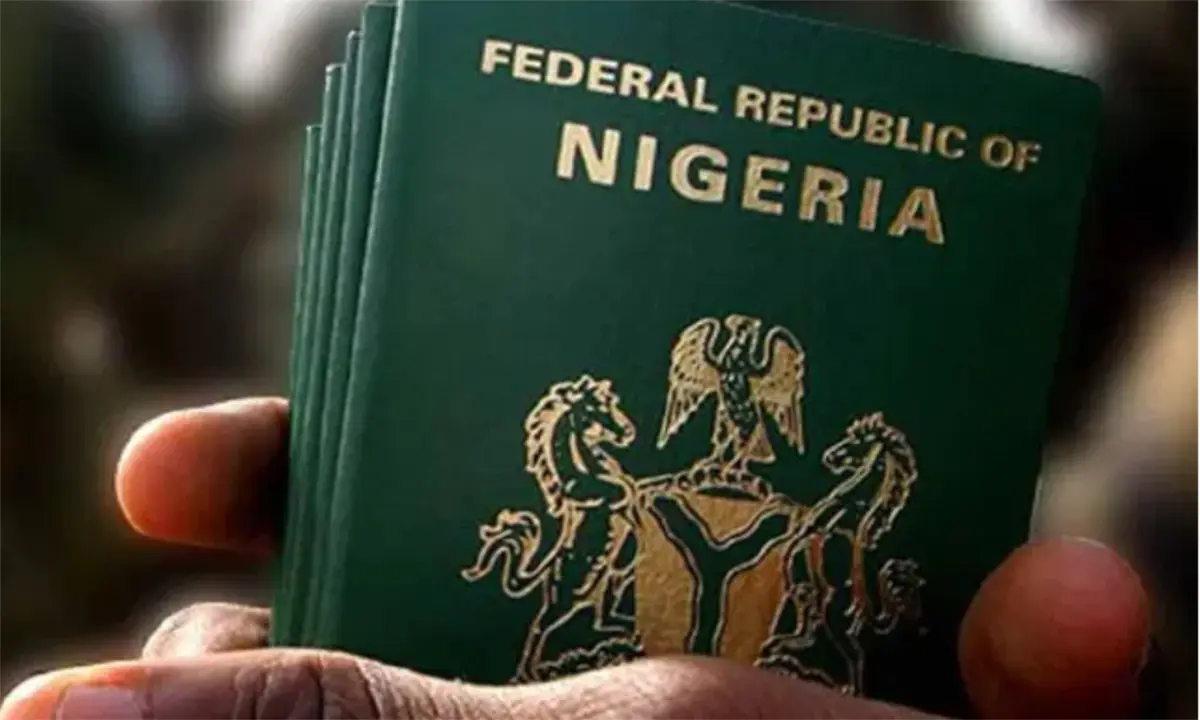
The Nigeria Immigration Service (NIS) has released a step-by-step guide for Nigerians living abroad to renew their passports online through its Contactless Passport Application System.
The Service shared the updated guide in a post on its official X handle on Tuesday, urging Nigerians in the diaspora to use the digital platform.
According to the NIS, applicants should follow these steps:
- Visit the official NIS Passport Application portal.
- Select “Continue” from the pop-up window.
- Click “Apply for Renewal/Re-issue.”
- Create an account and verify your identity using your National Identification Number (NIN) and date of birth.
- Complete the application form and choose your preferred processing embassy or high commission.
- Upload the required documents.
- Pay the passport fee for your selected booklet.
- Obtain your Application ID and Reference Number.
- Select the “Contactless” option under the “Application Status/Book Appointment” section.
- Review the contactless instructions and click “I Understand and Opt In.”
- Download the NIS Mobile App.
- Log in or create a profile on the app.
- Select “Passport Application Services.”
- Click “Passport Biometrics Enrolment,” enter your Application ID and Reference Number, and check your eligibility.
- Capture your facial image and fingerprints.
- Complete the liveness verification.
- Pay the contactless service fee.
- Submit your biometrics.
The Service, however, said not every applicant would qualify for the contactless process.
ALSO READ: How to track your Nigerian visa or passport status online
“If response is INELIGIBLE, then it means applicant should return to the landing page of the portal to book physical appointment at the Embassy/High Commission,” it stated.
The NIS also explained what successful applicants should do after completing the contactless biometric enrolment.
“Upon successful completion of biometrics via Contactless App, applicant should print-out the Application form, passport booklet payment, biometric payment, current Passport and enclose all in a self-addressed return envelope to the processing embassy selected during the application process,” the Service said.
It added that applicants could monitor the progress of their passport applications after submission.
“Applicant may track successful application two weeks after submission via https://track.immigration.gov.ng or on the NIS Mobile App,” the Service added.


2026 Budget: Almajiri commission speaks on controversial non-educational projects

Dangote: Why fuel prices not below N1,000 per litre in Nigeria – Gillis-Harry

Trump lauds Erdogan, announces lifting sanctions as NATO summit begins

FG mourns Nigerian medical graduate killed in Russian airstrike
FG mourns Nigerian medical graduate killed in Russian airstrike

Tanker struck as Iran threatens to abandon talks over Trump's threats

‘There will be no negotiations with bandits’ – Zamfara council chairman

 Society1 day ago
H0rny Old Man Caught On Camera In Broad Daylight Trying To Chop Mad Woman At Roadside
 Society2 days ago
Sad Video emerges showing Kenyan Lady working in the Middle East crying in distress
- World3 days ago
Girl, 16, repeatedly raped by her older brother who 'saw his late wife in her'
- Politics3 days ago
BudgIT demands probe into ₦1.3bn allocation to ‘fake’ presidential agency
- News3 days ago
UNIOSUN rejects Army position on assault claims, seeks legal action
- Investigation1 day ago
If this was AFCON the nonsense being said would be crazy â Former Congolese footballer Yannick Bolasie slams FIFA over Balogun red card reversal
- World3 days ago
Exclusive discounts from CBS Mornings Deals
- Society20 hours ago
Chaos At Cemetery As Area Boys Hijack Dead Body In Coffin, Stops Family From Burial Over Unpaid Debt